Averages
Last updated
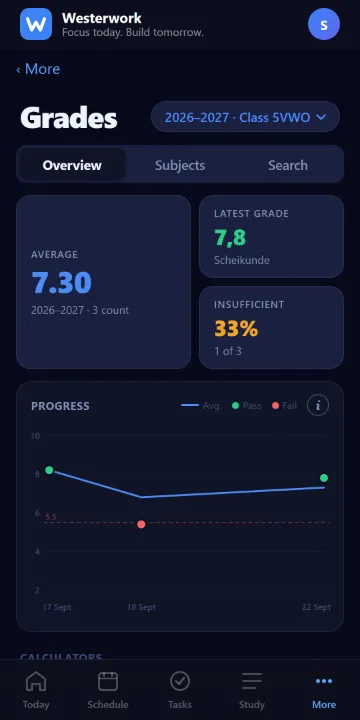
Under Grades you see your grades and weighted average per subject.
Westerwork calculates the average itself from the grades and weights your school provides. Your school may round differently, so the official average in Magister or Somtoday always wins.
Grades that don't count and letter grades (like V or G) aren't included in the average.
Step by step
- Open Grades from the bottom navigation and check the selected school year and profile at the top.
- On Overview, inspect the calculated average and trend. The example grades in the image are anonymised.
- Open Subjects for grades by subject. When in doubt, compare them with your school’s official grade record.