Subscribe to Premium
Last updated
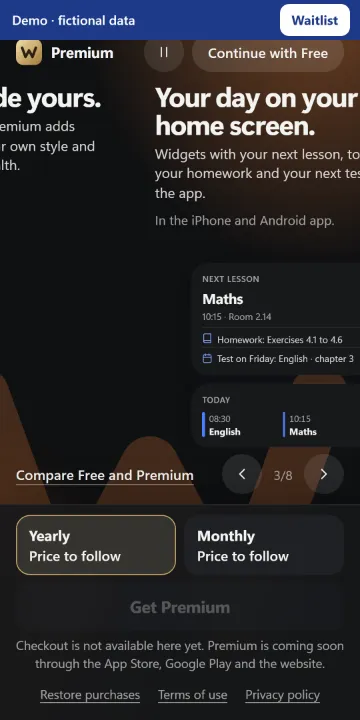
1. Open More › Westerwork Premium in the phone app and review what remains free and what Premium adds.
2. If a purchase option is available, choose a monthly or yearly plan. Check the price, any trial available to you and renewal terms on the payment screen.
3. Confirm through the App Store or Google Play. Then check the Premium page to see whether your subscription is active.
If there is no purchase button or the app says purchases are unavailable, you cannot subscribe through that app right now. Your free school features remain available.