Connect Magister on iPhone
Last updated
1. Open Westerwork on your iPhone and sign in to your Westerwork account.
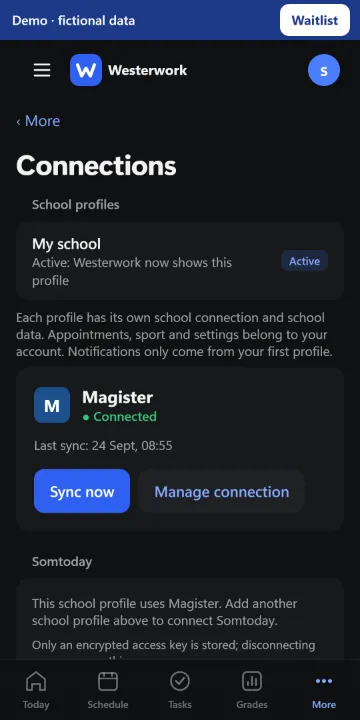
2. Go to More › Connections and choose “Connect Magister”.
3. Sign in on the real Magister page, which opens in a secure iOS sign-in window on iPhone. Complete any verification required by your school.
4. Return to Westerwork and check that Magister says “Connected”. The first sync may take a while.
Westerwork does not receive your Magister password. If the connect option is missing or sign-in stalls, update the app and see “Connecting Magister failed”.